Navigating the chaotic, high-stakes simulations of Machine Party requires more than just quick reflexes; it demands a mastery of the game’s unique control schemes. Whether you are a newcomer struggling to survive the first round or a seasoned player aiming for a perfect run, understanding the Machine Party controls is the single most important factor in securing your victory. In this guide, we break down everything you need to know to transition from a confused participant to a top-tier contestant.
Understanding the Basics of Machine Party Controls
The core of Machine Party lies in its adaptability. Because the game features 15 distinct minigames, the machine party controls are rarely universal. What works for a high-speed forklift simulation might be entirely useless when you are trying to sculpt a shape in the Chisel Gauntlet. Before the timer starts, always take a moment to read the on-screen briefing.
While every minigame has its own quirks, there is a common input framework that most players rely on to navigate the lobby and standard movement sequences.
| Action | Keyboard & Mouse | Controller |
|---|---|---|
| Move | W, A, S, D | Left Stick |
| Look / Aim | Mouse | Right Stick |
| Primary Action | Left Click / Prompted Key | Right Trigger / Face Button |
| Interact / Pick Up | E / Prompted Key | South Face Button (A/Cross) |
| Pause / Menu | Esc | Options Button |
Don't rely on muscle memory Each minigame often rebinds your keys. Always check the instruction card that appears at the start of every round. Following the on-screen prompt is more reliable than assuming your previous keybinds will carry over.
Essential Strategies for Top Minigames
To truly dominate, you need to understand the mechanics behind the most challenging simulations. Community reports suggest that many players fail not because of their reaction time, but because they misunderstand the objective.
1. Forklift Certified
This is a fan-favorite, but it is notoriously difficult for beginners. The key is to manage the forklift’s wide turning radius. Instead of rushing, align your vehicle perfectly before attempting to pick up a crate.
- Pro Tip: Use a clear, consistent route rather than fighting for space in the center of the lane.
2. Duck Hunt
In this mode, accuracy is your best friend. Runners should spread out to force the hunter to track multiple targets, while the hunter should wait for a clear shot. Remember: body shots are survivable, but headshots are lethal.
3. Spinebreaker
This high-pressure minigame requires quick communication. If you are playing with friends, assign roles immediately. If you are playing solo, focus on passing the device to the player who is currently least active or furthest from the group.
Managing Simulation Complexity: A Data-Driven Approach
Not all minigames are created equal. Some require high-speed movement, while others reward patience and precision. We have categorized the 15 simulations based on their primary gameplay demand to help you prioritize your practice.
| Minigame Category | Included Simulations | Primary Requirement |
|---|---|---|
| Precision | Chisel Gauntlet, Filter, Table Manners | Steady Hands / Accuracy |
| Movement | Stable Footing, Tunnel Hazard, Minefield | Spatial Awareness |
| Chaos/Combat | Duck Hunt, Spinebreaker, Firearm Factory | Reflexes / Timing |
How to Host and Join Matches
If you are having trouble getting into a game, ensure you are using the official Machine Party Roblox page to verify your connection. Joining a room is simple, but errors can occur if you aren't using the current version.
- Launch: Ensure your Roblox client is updated.
- Room ID: Always copy the full numeric ID provided by the host.
- Troubleshooting: If the join fails, restart your client. Do not repeatedly spam the join button, as this can lead to temporary connection locks.
Common Mistakes to Avoid
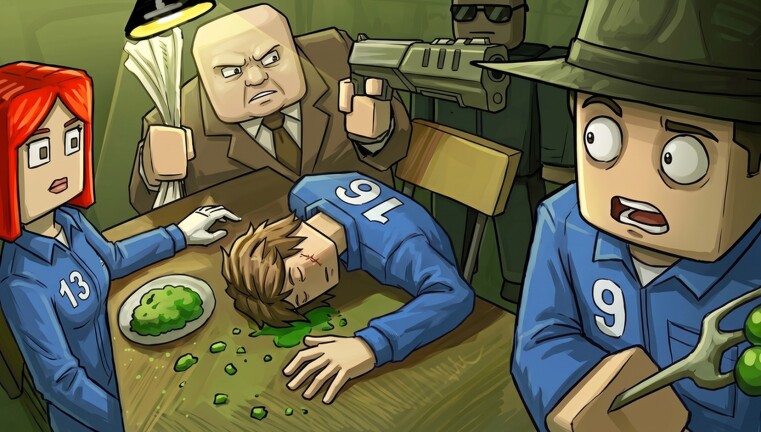
Even experienced players fall into traps. One of the most common errors is "greed." In games like Table Manners, players often try to finish their meal too quickly when the host is looking, leading to an immediate penalty.
Another frequent mistake is ignoring the "safe zones" in simulations like Tunnel Hazard. You might be tempted to push an opponent out of a safe spot, but if you don't secure your own position first, you risk getting crushed alongside them. Always prioritize your safety before attempting to interfere with other players.
Frequently Asked Questions (FAQ)
Q: Are the Machine Party controls the same for every minigame? A: No. While movement keys (WASD) remain consistent, the primary action keys change based on the specific minigame's requirements. Always check the on-screen prompt at the start of each round to master your current Machine Party controls.
Q: How many minigames are available in the current build? A: There are currently 15 unique minigames available. These range from high-speed factory assembly to precision-based sculpting and survival challenges.
Q: Is there a way to practice without the pressure of a full match? A: While there isn't a dedicated "practice mode," the Arcade mode is excellent for learning. It selects ten random simulations and removes the lengthy intros, allowing you to cycle through different challenges faster.
Q: Why do I keep failing the Filter minigame? A: The Filter minigame requires 100% accuracy. The most common mistake is trying to speed up after making a single error. If you mess up, take a breath, reset your rhythm, and focus on the next item—don't let the pressure force a second mistake.